10 Fall '24 Tools Gameplay 10 Fall '24 Tools Gameplay
 Lead a team of 4 engineers on a team of 10 people while organizing, prioritizing, and assigning tasks using Jira.
Created a custom tile editor tool to help designers quickly build and iterate on levels using a custom inspector window in Unity.
Developed core gameplay systems including obstacles and collectables and other necessary tasks to polish and improve gameplay such as a level manager and UI animations.
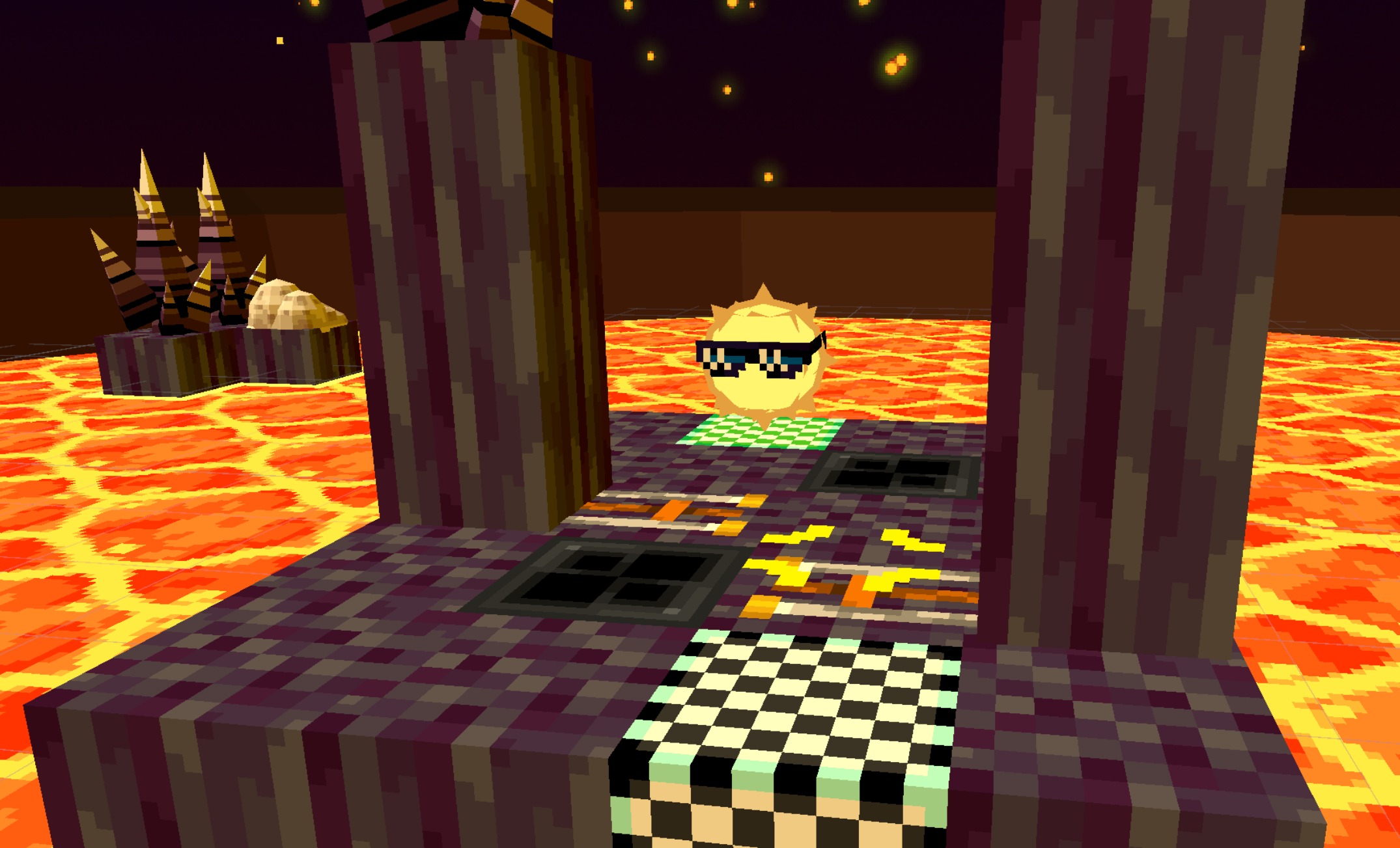
I helped develop ORBIT on a team of 10 students in Unity. It is a 3D tile-based puzzle game where the player is attempting to get to the finish tile. Player movement is based on the cards played from a pre-selected deck. When a movement card is selected to play it is put into the action order, which gets re-played at the beginning of each turn. Some of the cards dealt to the player allow them to manipulate this action order instead of adding to it. There are also obstacles and collectables spread throughout the 27 levels.
On this project, I lead a team of 4 engineers as the programming lead. This role included responsibilities such as organizing, assigning, and prioritizing tasks using Jira. I also reviewed pull requests on Github according to our style guide and documentation standards. I was the first point of contact when another team or the producer had a question involving programming or scope.
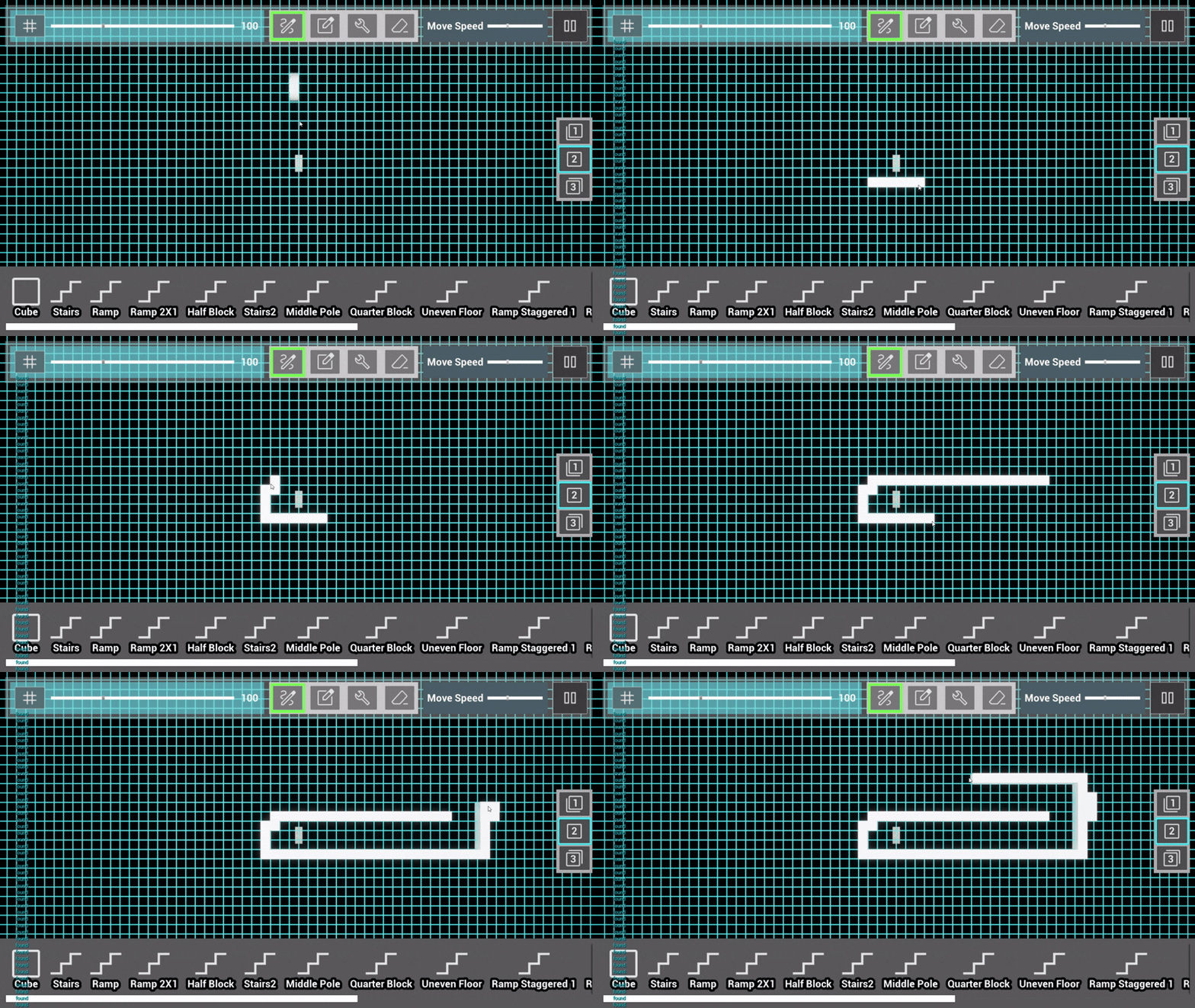
My first task was to create an editor tool for the designers to easily build and iterate on levels. I learned how to use Unity's GUI to create a custom editor window where designers could set the dimensions of the map and select the tile prefab the map should be built out of. I included 2 buttons designers could use to build the map and clear it. This tool would automatically place each tile at the exact coordinates they needed to be at to speed up the level designer’s workflow.
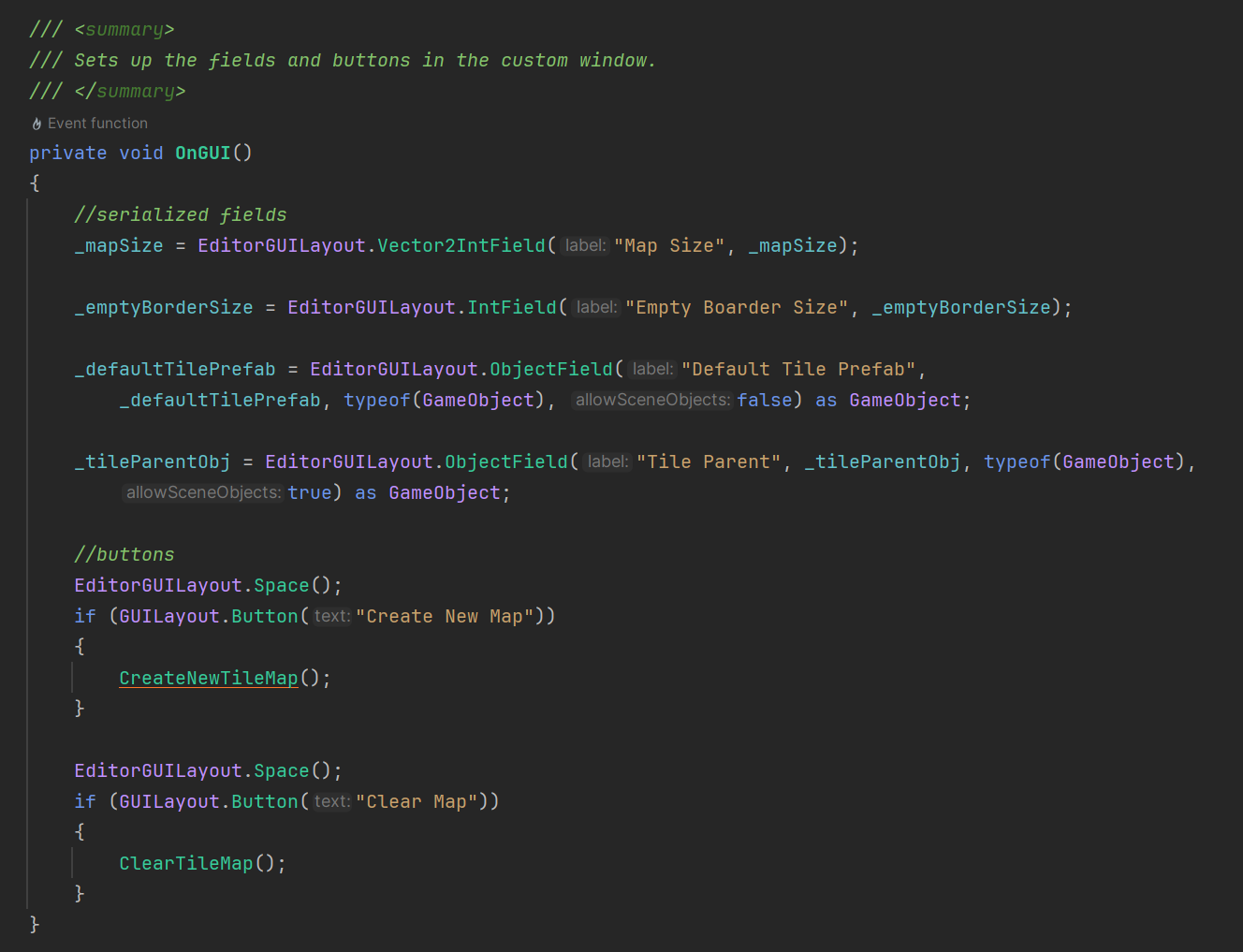
The image above shows some functionality I wrote for the editor window. Below is a demonstration of what the final version of the tool looked like.
To further the functionality of this editor tool, I also added some functionality for individual tiles. The coordinate variable on the tile class is automatically set when the tile is instantiated. Changing a tile object from a “tile” to a “hole” in the inspector removes the tile’s mesh and collider so that the player falls through. Also, assigning a specific obstacle or collectable game object to a tile moves that game object into place above the tile.
When development for the obstacles and collectibles began, designers were still concepting their functionality. So to keep this mechanic flexible, I created an abstract parent class for each.
Every obstacle class in the game derives from this parent obstacle class. We ended up only including one type of collectable in the game but the functionality to add more was there. The parent obstacle class included getters and setters for different variables on the obstacle, as well as a function to perform that obstacle’s animation and to set it to its default state.
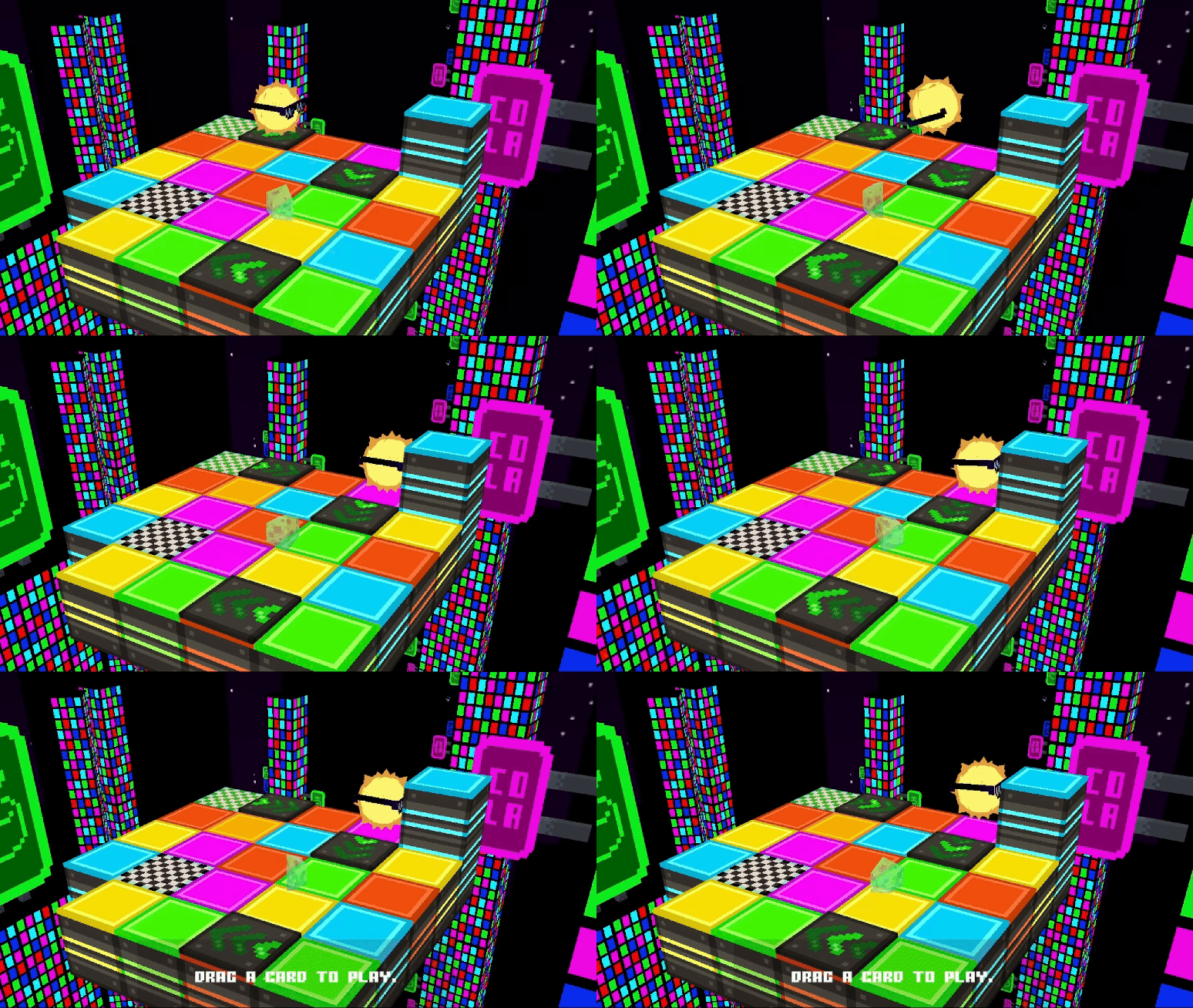
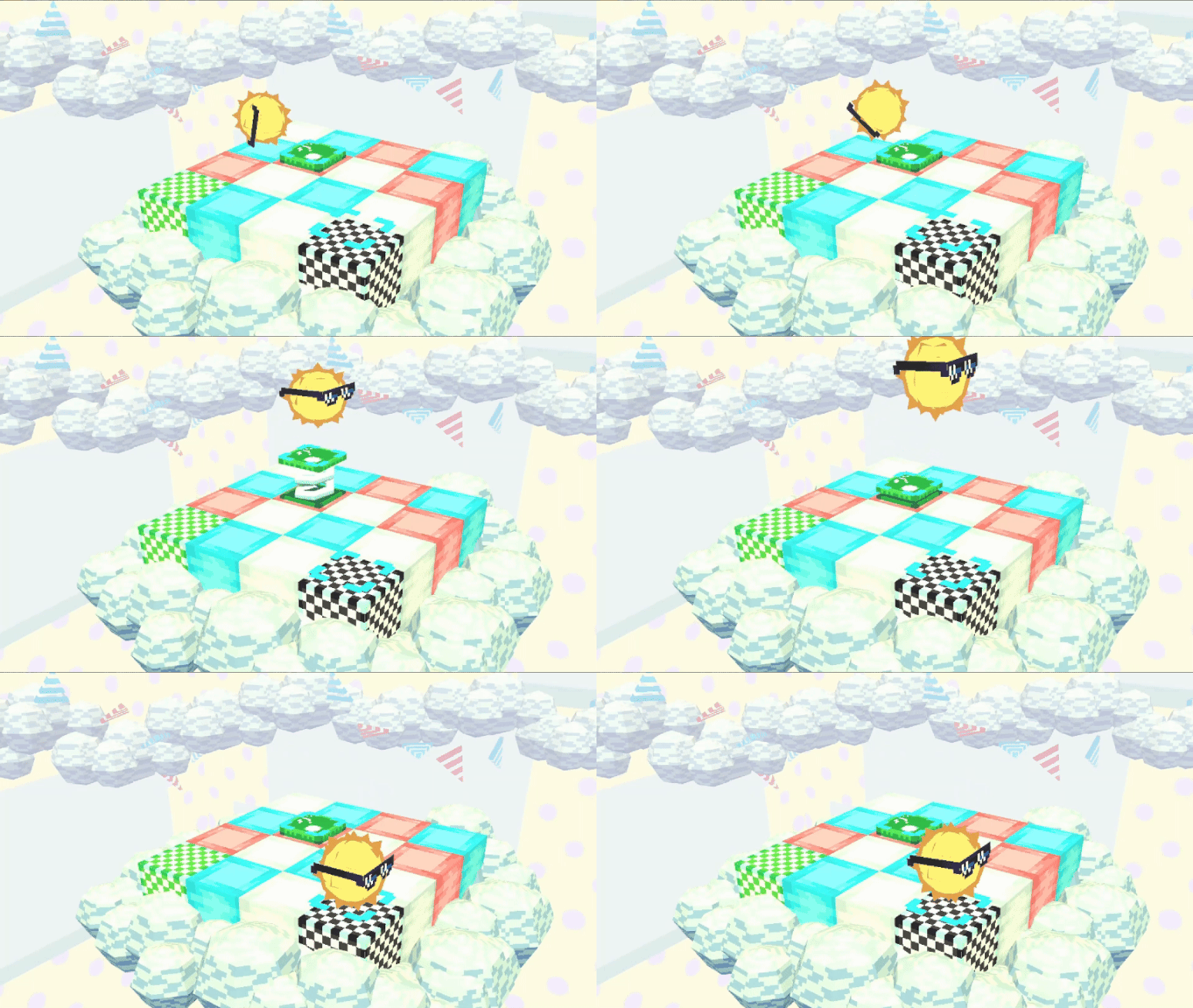
After our Alpha milestone, I began to focus on smaller tasks to polish and improve gameplay. I used the unity animator to animate UI elements such as the confirm and cancel buttons and the cards in the action order. Then I created a scene transition manager to help the game flow between levels and menus. I also spent a lot of time bug fixing!
Additionally, I created a levels manager to manage all the data for each level in the game. A level’s name, build index, collectable status, and if they’ve been completed successfully need to be saved between playthroughs and easily accessible for UI. So, I made a singleton class that made all that data globally available.
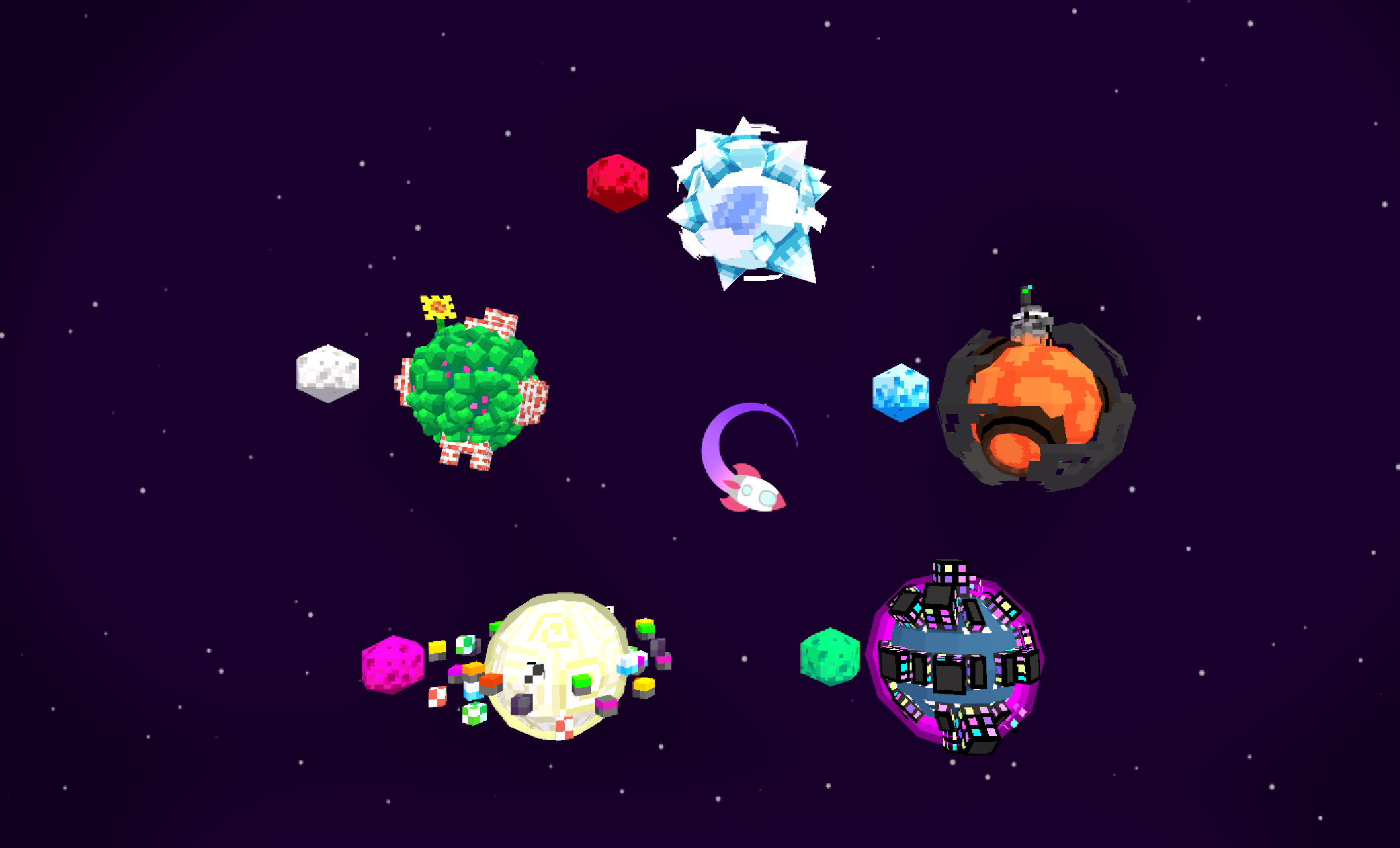
In conclusion, I learned so much working on this project. I was able to practice my communication and collaboration skills, all while learning to delegate tasks within my programming team. I gained an appreciation for developing engine tools and designing systems.