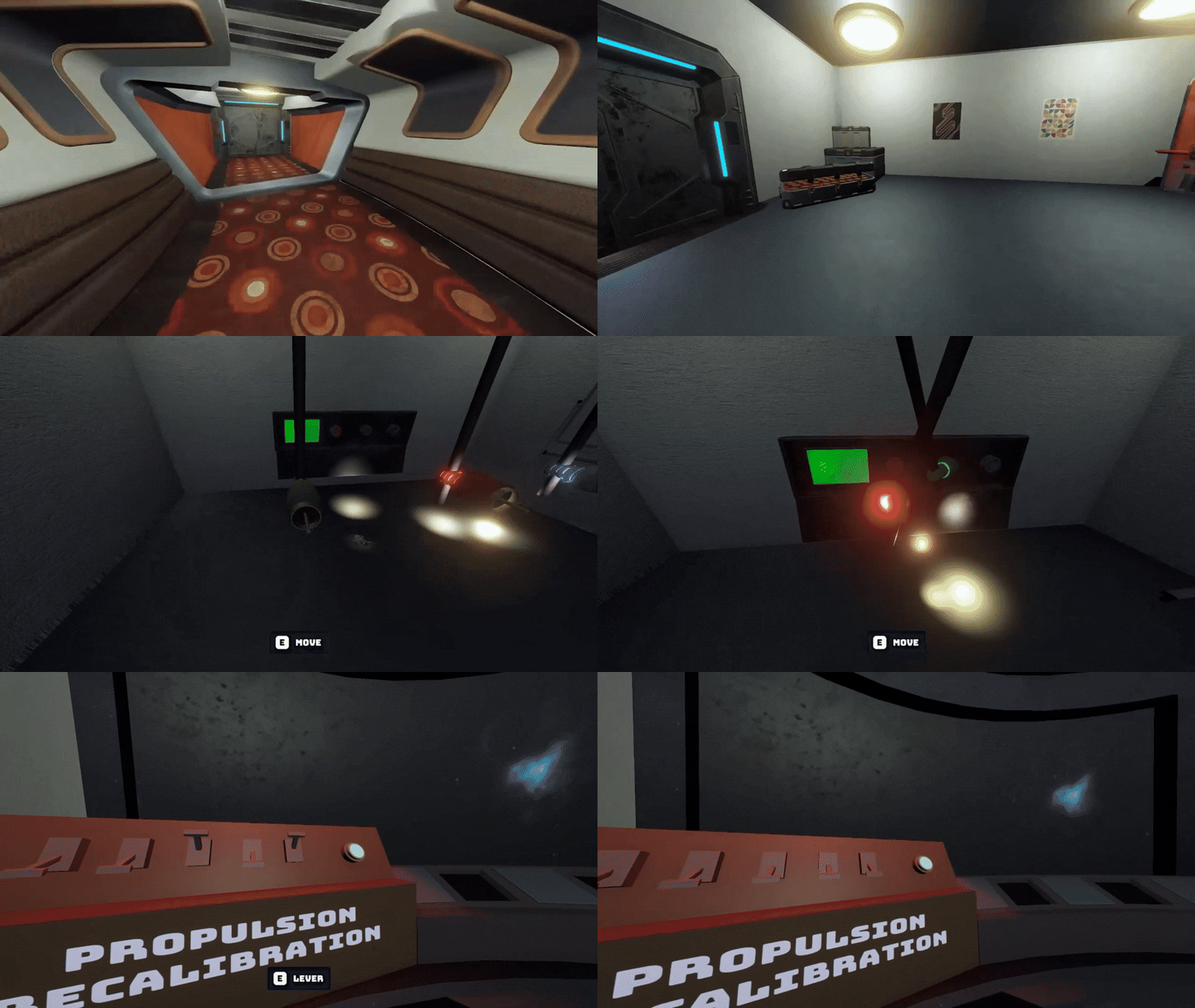
 17 Current UI Gameplay 17 Current UI Gameplay
 Updated as of January 2026
Managing the task list using Jira, assigning tasks, and initiating collaboration tp structure the architecture of our game systems before and after code reviews.
Developed a flexible UI system, widget functionality for UI elements, and implemented UI assets and animations for various elements.
Developed core gameplay systems including the stats and order system, the initial system for the decrees and scales, and the event system.
For my senior capstone project, me and a group of 17 students developed Machiavelli, a rogue-like citybuilder. In this game, the player is tasked with building a strong civilization that can withstand the demands of the demon and the whims of the people. This demon requires the player to gather souls from the fallen citizens, though the very act of gathering them weakens the city.
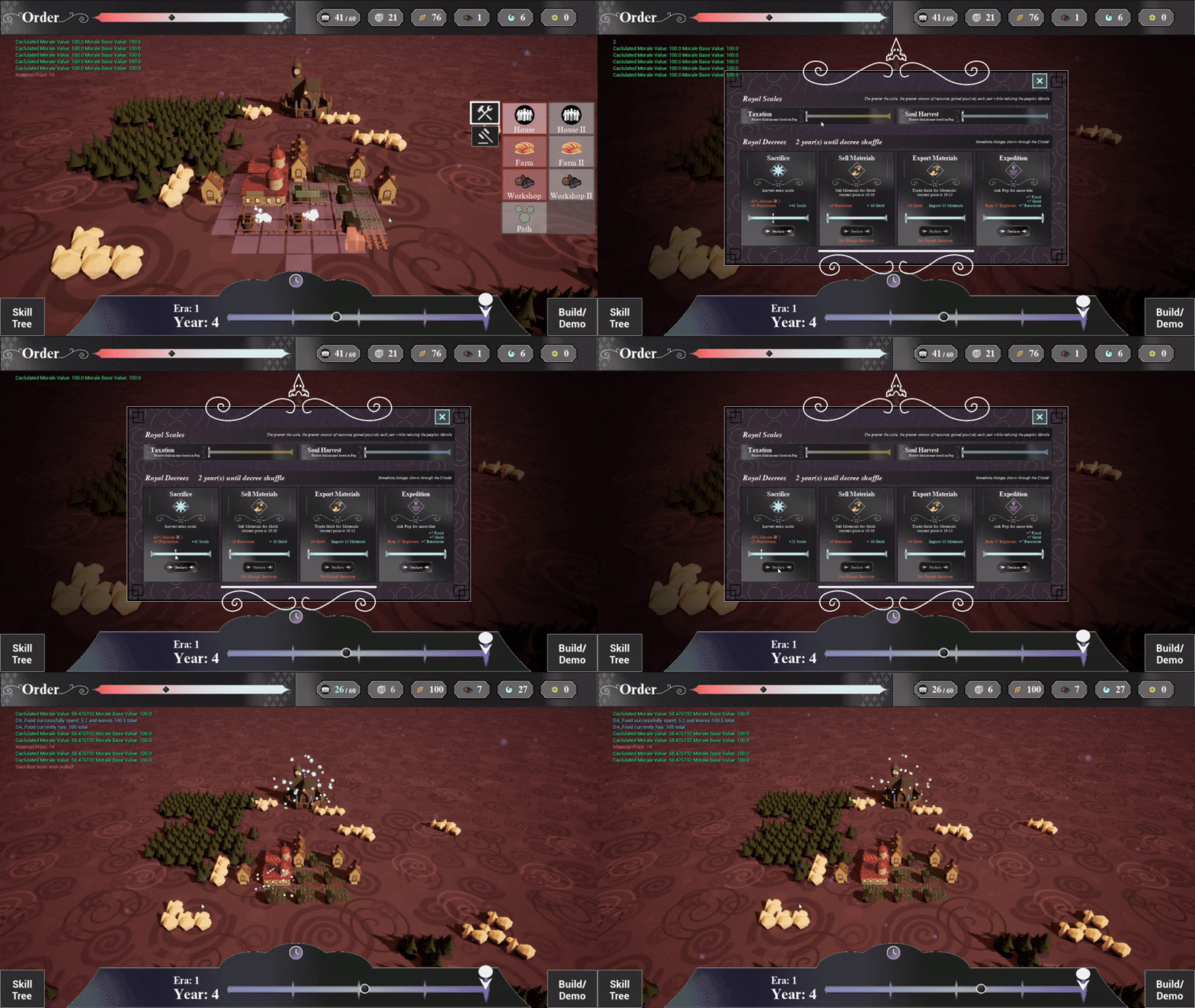
The status of the civilization is measured by 4 stats , Morale, Hunger, Homelessness, and Employment, and is all encompassed by an additional stat called Order. The player interacts with their city by declaring Royal Decrees to get instant effects and adjusting the Royal Scales to get more long-term effects. These decrees and scales are used to respond to the various events that pop up.
Throughout each week I maintained a list of programming tasks . Predicting each task’s difficulty, I assigned them to my team based on their strengths and areas they wanted to grow. I kept up to date with my team through stand-ups to evaluate progress and blockers.
I evaluated every task based on functionality and adherence to the style guide during code reviews. I emphasized polish from the beginning, insisting we do it right the first time to minimize tech debt, and had designers provide further feedback on our implementations to ensure the best possible end product.
I worked with the programmers on the team to talk through how we wanted to design each feature based on any dependencies or requirements. The goal was to create maintainable and event-driven systems to flexibly adjust to any changes requested by the team.
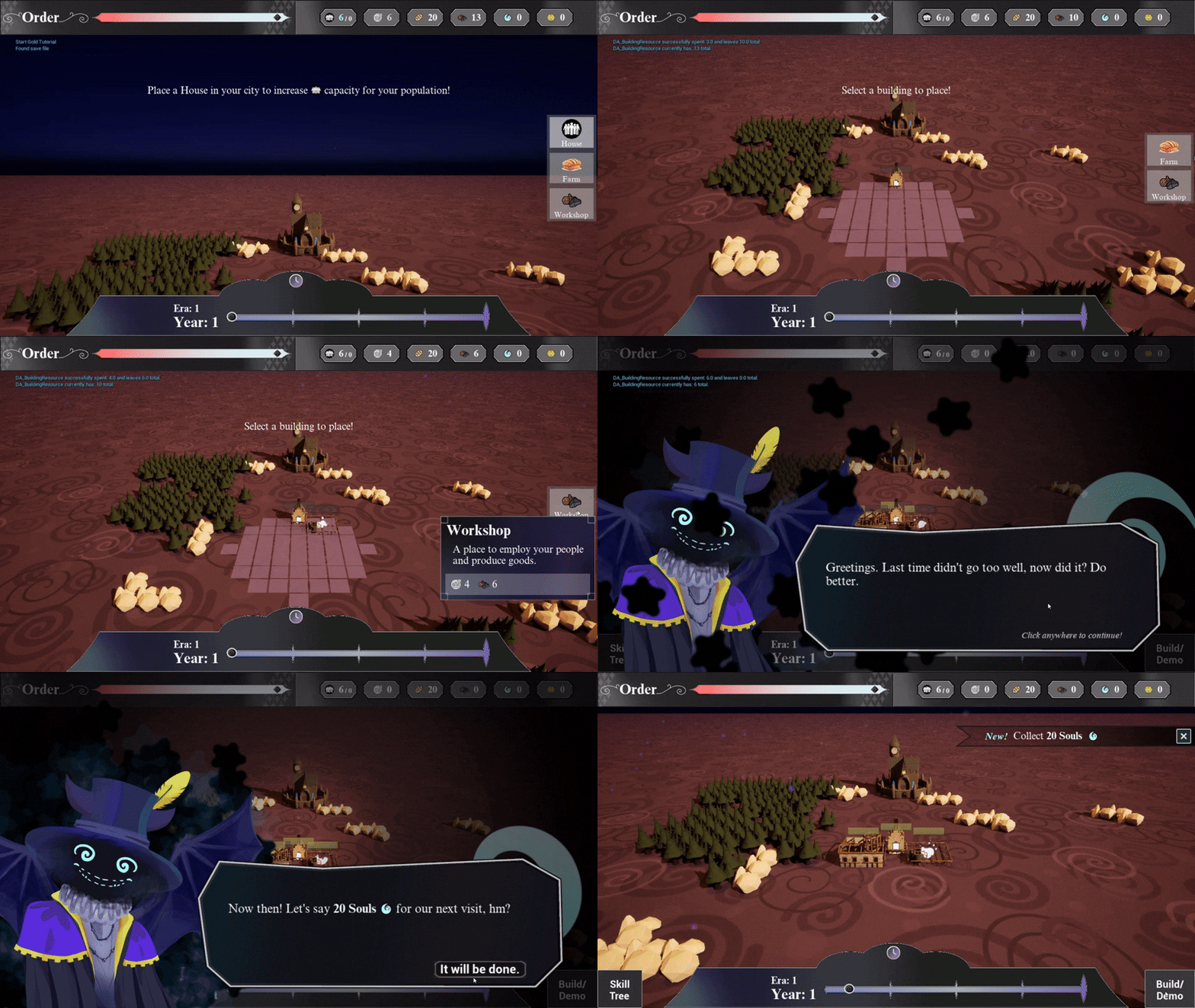
I was responsible for making all of the widget’s functionality and implementing the UI assets . Before I began work on any individual widget, I knew that I needed to make a decoupled and flexible UI system to organize the many screens and menus this game required without losing any of them in chaos. I had never built or used a centralized system like that before, so I started by researching different patterns and industry standards to keep this system clean.
Since Unreal’s HUD class is available through the static player controller class, I used it as a service locator for the UI functionality. This layer of abstraction separates the interface from the concrete implementation of the asset organization. This HUD managed the layout and different layers of widgets on the screen so any blueprints could add or remove widgets from the screen through it.
Then, I began implementing widgets. I started with the HUD, so the communication for the stat values, resource counts, and timeline were there, and then I implemented menus for build mode, the scales and decrees, and the pop-up events.
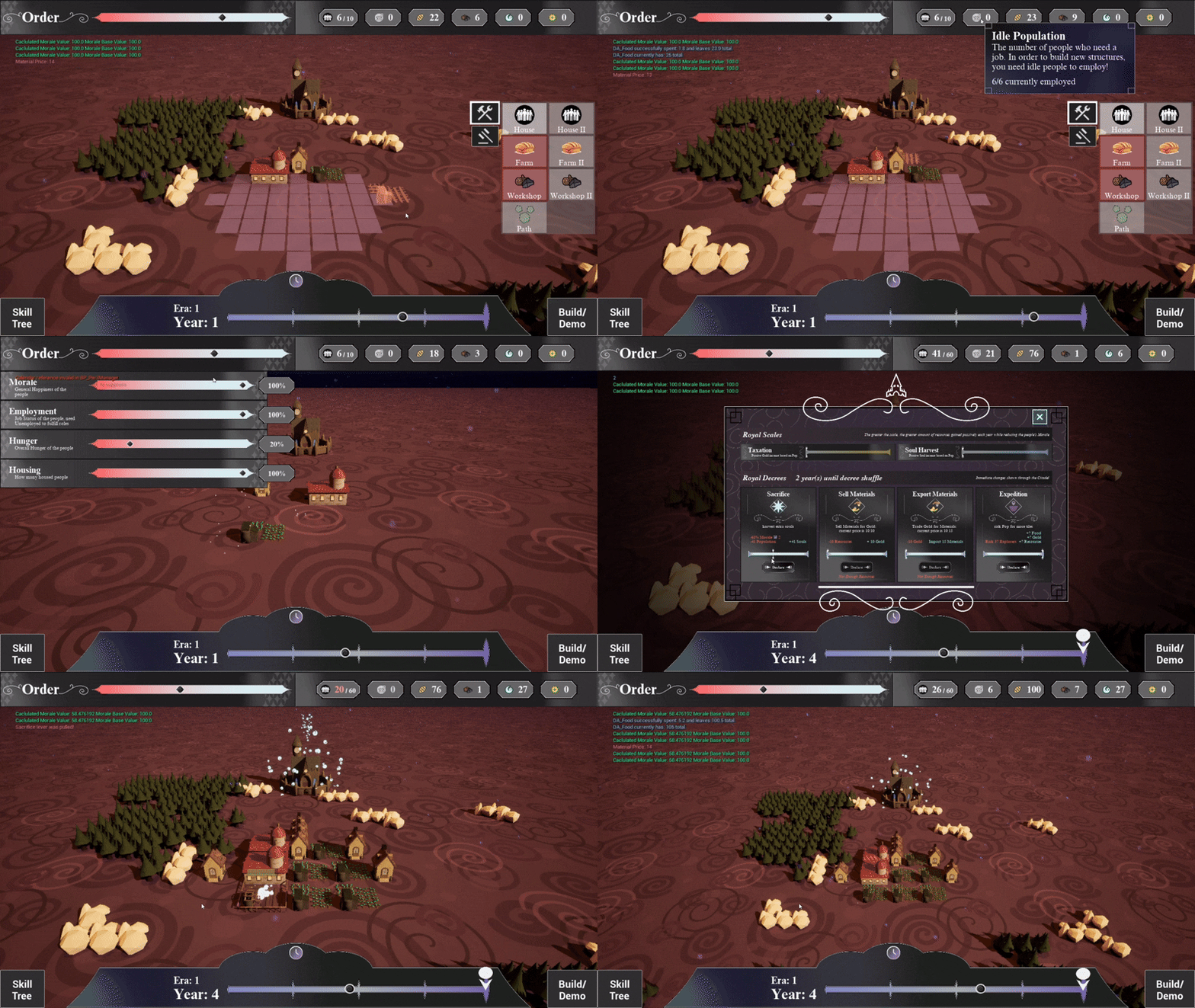
As the game developed, the event windows pausing the game impeded the gameflow so I refactored the event system and UI with the capacity to use different widgets. I created a “half-window” for some events to take up less screen space and not necessitate pausing gameplay to communicate the same information. Then, as the design team made different events for the player, they could specify which pop-up they wanted, and therefore if the event should pause the game or not on an event-by-event basis.
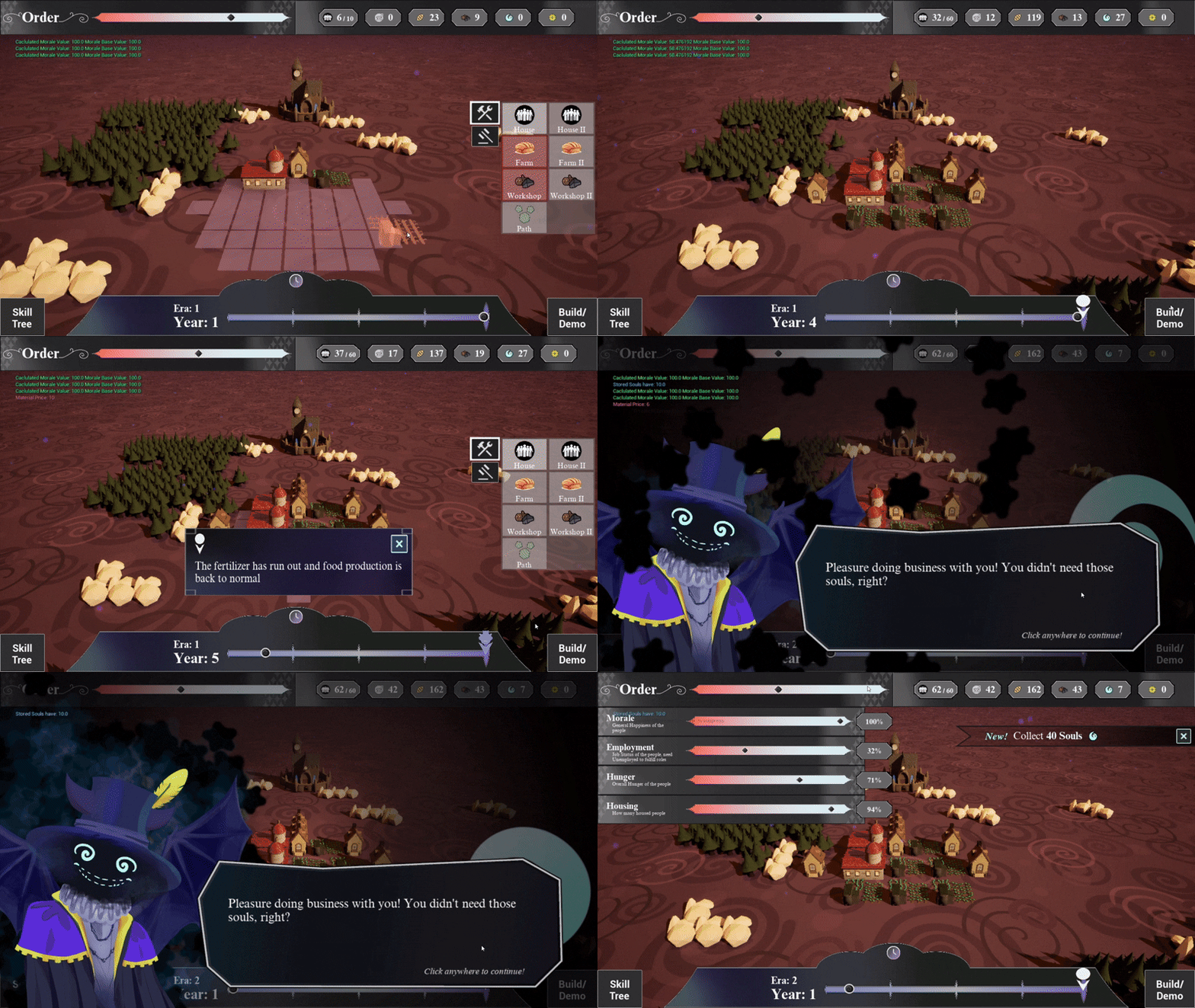
Additionally, I had to iterate on my implementation of the demon’s portrait. Initially it was implemented as an image that could be swapped out for different sprites. However the team wanted to animate the portrait and include different particles and sounds, a task that would have greatly increased the scope of this widget.
To avoid packing too much functionality into one widget, I moved the current functionality into its own widget, and then expanded upon it to add different animations, sound effects, and particles that could scale as the game developed.
The first system I built was the Stat system. While tracking 4 different gameplay stats, it also calculates a fifth based on the game state. I decided to implement a curve to weigh the stats against so designers could easily affect the game difficulty. I also built the initial system for the scales and decrees, which would contain frequently edited fields for associated cost and reward effects. I used data tables to organize the values so that designers could easily test and balance different scenarios.
When iterating on the gameplay, we needed an Event System to provide some variety to each run, and a need for more immediate player action to meet our goal of having fast-paced gameplay. This system needed to be capable of triggering many different types of events from the demon’s soul collection, to random citizen demands, to tutorial events.
The code review for this feature led to further discussion on what this system needed to be. My first draft was not very flexible, and would require some programming work for each new type of event designers could dream up due to the very specific structs I used.
To solve this issue, we took advantage of the Effect and Condition classes we already had set up and implemented in the game so that the capacity of the events could scale as the game did. This allowed various events to only happen if some conditions were met. And the events could trigger any effects we had already set up, such as making a resource exchange, modifying a stat, or any other effect we added throughout the game’s development.
And the final touch to ensuring the customizability of this system was a “Flavor Text” struct so the same event could be presented to the player with different displayed text to increase variety in gameplay.
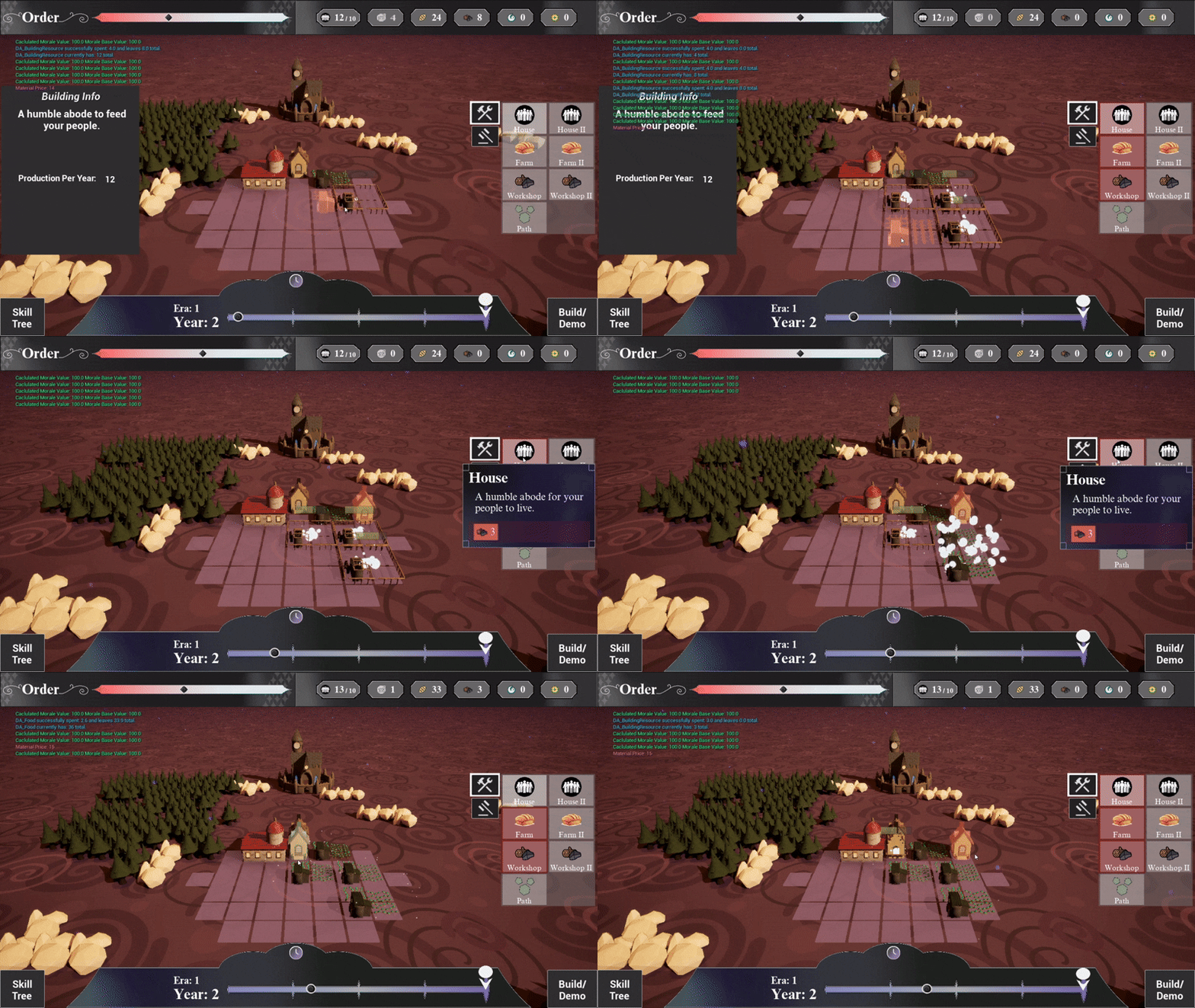
The original system contained entire event chains in one struct. The new system broke each event into its own data asset, so we still needed a way to link events to happen after each other. We added a field in the event data assets with a reference to another event and an int for a delay for how long the delay between events should be. Then we added functionality in the event manager to schedule an event and display them to the player on the timeline. This allowed for the creation of modifier events, that added some effect for a period of time, and warning and payoff pop-ups for chained events.
After lots of collaboration with one of my peers (and the help of the UProperty EditInLineNew), we had eliminated the rigid structure of my previous version, and built a system that prioritized future flexibility thorough the conditions, effects, and event linking, customization options to present the same events differently, and a decoupled architecture.